


Lola: Live Video Chat App
4.2205.00 Reviews
App Specs
- Version
- 2.2.7
- Updated On
- License
- Free
- Downloads
- 1,000,000+
- Developer
- Lola Team
- Categories
- Social
- Platform
- Android
Screenshots
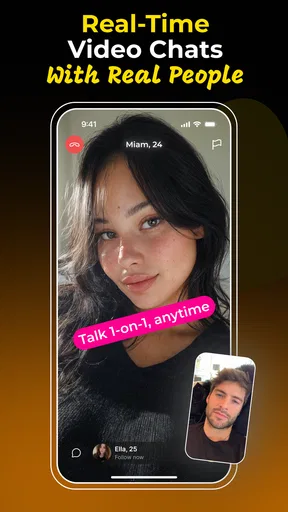
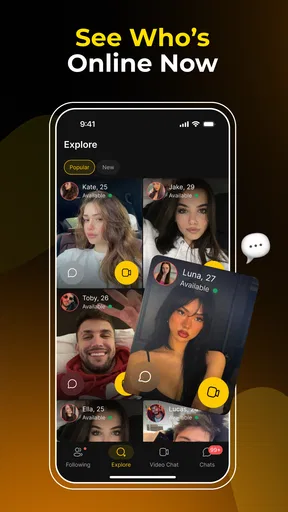
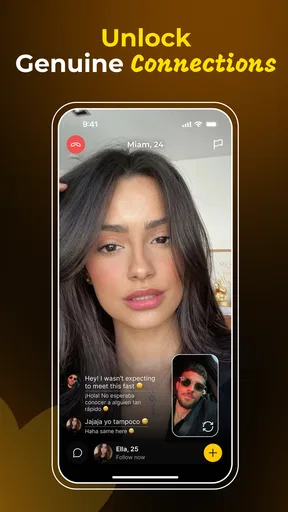
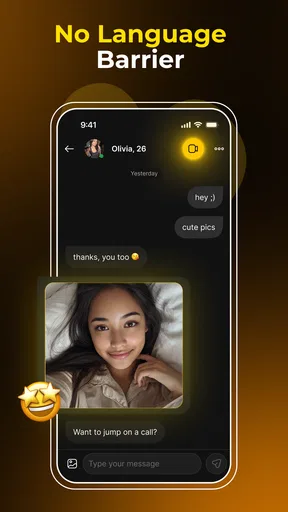
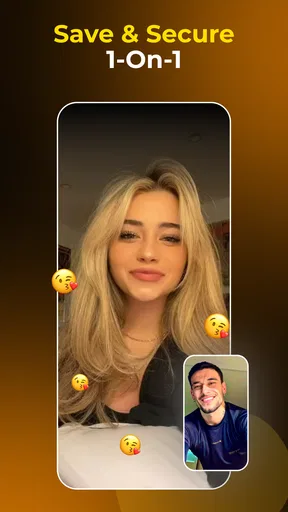
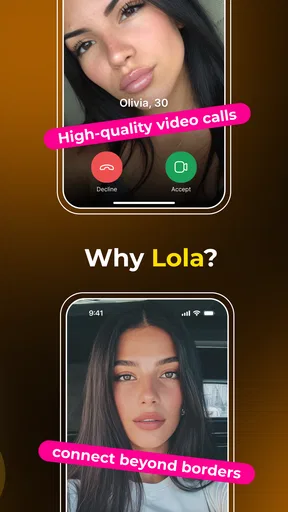
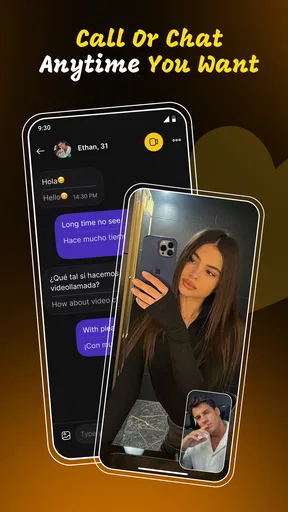
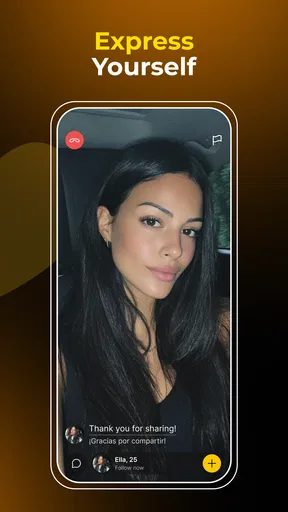
 Analysis by AppCompare
I approached Lola: Live Video Chat App as a social app for people who would rather have a real-time conversation than trade a long stream of messages. Its central idea is simple: connect with another person through a one-to-one live video chat, with instant translation intended to make conversations across languages easier. That focus gives it a different feel from a typical text-first social network, but it also creates more points where a session can become awkward or fail.
My overall impression is that Lola is most interesting when you want a quick human interaction and do not want language differences to stop the conversation before it starts. It is less convincing if you prefer careful profiles, slow introductions, or complete control over who you meet. The app is free to install, although it includes optional purchases ranging from $0.99 to $149.99 per item, so I would treat the free entry as a chance to test the experience rather than an assumption that every part of using it will remain cost-free.
What using Lola feels like in practice
The developer behind the app is Lola Team, and the current release is version 2.2.7. Lola sits in the social category rather than presenting itself as a conventional messaging utility, language course, or dating platform. That distinction matters. The point is not simply to send translated sentences back and forth; it is to share a live moment with another person while translation helps bridge the conversation.
That immediacy is the strongest part of the concept. A live video exchange can communicate tone, hesitation, humor, and facial reactions in ways that text cannot. It can also expose the weaknesses of the format quickly. If the other person is not a good conversational match, a short live session feels much more uncomfortable than ignoring an unanswered message. I found that Lola works best when I entered with a modest goal, such as having a brief conversation, rather than expecting every connection to become meaningful.
The mature rating of 17+ is an important signal for how I would position the app. I would not recommend treating it as a casual family social tool, and parents should not assume that a live video environment is suitable for younger users simply because the download itself is easy to find. Adults should still use ordinary caution: avoid sharing identifying details too early, end conversations that feel uncomfortable, and remember that translation makes communication easier but does not make a stranger trustworthy.
Where people are most likely to get stuck
The first friction point is the difference between wanting to chat and being ready to appear on camera. Lola’s format asks for more immediate participation than a text app. Before starting, I would check whether I am in a reasonably quiet place, whether my face is visible, and whether I am comfortable being seen by someone I do not know. A poor setting can make the app seem worse than it is, especially if the connection begins with noise, darkness, or repeated interruptions.
The second obstacle is the expectation that instant translation will make every exchange effortless. Translation can help with vocabulary and basic meaning, but live speech is messy. Accents, slang, jokes, names, background noise, and people speaking over one another can all reduce clarity. My practical advice is to use short sentences, pause between thoughts, and confirm important points instead of assuming that a translated phrase captured the exact intention.
Worth Reading Before You Choose

EA SPORTS FC Mobile 26 Is a Bigger Football Game, but It Takes Time

Flipboard Shows What News Apps Must Do Beyond the Feed

Switching to Android Auto Means Rethinking Your Driving Routine

Google Calendar Makes a Crowded Week Easier to Manage

Ludo King Makes the Most of the Minutes Between Plans

Baby Panda World Brings Quick Play to Modern Phones, but Its Game Library Feels Busy
A third source of frustration is the unpredictability of another person. Lola can help you meet someone, but it cannot guarantee that the person will be talkative, polite, interesting, or available for more than a moment. That is not necessarily an app failure. A useful mindset is to judge a session by whether the interaction was understandable and respectful, not by whether every conversation turns into a friendship.
There is also a financial point that deserves attention before using the app heavily. Lola is free to download, but optional in-app purchases are listed at prices from $0.99 to $149.99 for an item. I would inspect every purchase prompt carefully and decide on a personal spending limit before experimenting. If you are only curious about the live-chat concept, there is no reason to rush into a purchase simply because a conversation feels promising.
Setup checks that prevent avoidable problems
Because the app depends on live video and translation, I would prepare differently than I would for a normal social feed. First, I would update the app if an update is available and confirm that the device meets the minimum requirement of Android 8.0 or later. That does not guarantee perfect performance, but it removes one obvious compatibility concern.
Next, I would test the phone’s camera and microphone in another trusted app. This is a small step that saves time. If the camera image is black or the microphone is silent elsewhere, Lola is probably not the real cause. Cleaning the camera lens, disconnecting an unwanted Bluetooth headset, and moving somewhere with a stronger connection can also resolve problems that initially look like an app defect.
Lighting is more important than many new users expect. A bright window directly behind you can turn your face into a silhouette, while a dim room can make video look muddy. I would place a light in front of me, keep the phone stable, and avoid covering the microphone with a hand or case. These changes improve the other person’s experience and make it easier to tell whether a translation problem is caused by the software or by unclear audio.
I would also close bandwidth-heavy activities before starting a conversation. Video calls compete with cloud backups, large downloads, streaming, and other live connections. If the picture freezes or the audio breaks up, I would first try a different network location rather than repeatedly restarting the app. A simple comparison between a reliable Wi-Fi connection and mobile data can reveal whether the problem follows the device or the network.
For privacy, I would choose a neutral background and remove visible documents, badges, mail, school material, or anything showing where I live or work. This is especially useful in a one-to-one video setting because the camera can reveal more than intended. I would also avoid using a full name, workplace, or travel plan as an opening topic with a stranger. The app’s social value comes from conversation, not from giving away a personal profile in the first minute.
How I recover when a conversation goes wrong
When a session becomes confusing, I would not immediately assume the translation system has failed. I would slow down, use one idea per sentence, and ask the other person to repeat a key point in simpler words. If the conversation involves names, locations, dates, or numbers, I would confirm them explicitly. Live translation is most useful as a bridge; it should not be treated as a perfect interpreter for sensitive or complicated information.
If the video freezes while audio continues, I would wait briefly to see whether the connection recovers, then check the network and other apps using the connection. If both audio and video fail, I would leave and try again later rather than repeatedly tapping through the same screen. Restarting the app can clear a temporary session problem, while restarting the phone is a reasonable next step if the camera or microphone is unavailable across multiple apps.
When the other person cannot hear me, I would check the microphone opening, confirm that the phone is not connected to an unintended headset, and test recording outside Lola. If the recording works normally, I would retry the conversation. If it does not, the issue is probably device-level and needs attention there. The same logic applies to video: testing the camera elsewhere helps separate an app problem from a phone problem.
Translation issues deserve a slightly different recovery method. I would switch from idioms to plain language, avoid talking over the other person, and leave a small pause after speaking. If a phrase still seems wrong, I would reword it rather than repeating it at the same speed. This is a useful advanced habit because translation quality depends heavily on clean input. Speaking louder usually does not help; speaking more clearly does.
There is also a social recovery step. If someone behaves aggressively, pressures me for private information, or ignores a clear boundary, I would end the interaction instead of trying to repair it. No translation feature can solve a basic trust problem. I would keep the conversation focused on safe, general subjects until the person has earned more confidence, and I would not move to another service merely because they insist.
When Lola is not the cause of the problem
It is easy to blame a live-chat app for every awkward moment, but several common failures come from the surrounding conditions. A weak signal can create delayed responses that make both people interrupt one another. Poor lighting can make a camera look broken. A busy room can confuse speech recognition. An old phone with limited free storage or many background tasks may struggle more with video than a newer device. Checking these factors first produces a much more accurate diagnosis.
The other person’s behavior is another variable that no app can control. A short answer may mean they are shy, distracted, or simply not interested in continuing. A conversation that ends quickly is not proof that Lola’s matching idea is ineffective. Conversely, a smooth technical session is not proof that the connection is safe or worthwhile. I would separate technical quality from personal judgment: first ask whether the call worked, then ask whether the person was someone I wanted to speak with.
Language itself can be the source of confusion. Even people who share a language may interpret humor, politeness, or directness differently. With instant translation, that gap can become wider because a grammatically understandable sentence may still sound unusually formal or blunt. I would avoid discussing money, passwords, account access, private documents, or urgent personal problems with someone met through a live chat. Translation can remove a language barrier without removing the risk of manipulation.
For users who want a permanent community, detailed identity checks, or a searchable archive of conversations, a conventional messaging platform may be a better fit. Text-first services give you more time to think, edit, and decide what to reveal. Dedicated language-exchange communities may also suit learners who want structured practice rather than spontaneous video. Lola’s advantage is immediacy, so its trade-off is that it gives you less time to prepare and less control over the rhythm of the interaction.
Who will get the most from the app
I can see Lola being useful for adults who enjoy meeting unfamiliar people, want to practice conversational confidence, or regularly encounter language differences in casual social situations. It may also appeal to someone who finds text chat repetitive and prefers the energy of a face-to-face exchange. The one-to-one format can feel more focused than a crowded public room, especially when both participants are willing to keep the conversation simple and respectful.
A realistic everyday use case would be a traveler preparing for a trip. Instead of memorizing isolated phrases, the user could use a short conversation to practice introducing themselves, asking for directions, or explaining a basic need. I would still verify important travel information through reliable sources, but a live exchange can reveal whether a phrase feels natural when spoken. The same approach could help someone rehearse casual conversation before joining an international online group.
Another useful workflow is to set a clear time and topic limit. I might begin with a brief introduction, choose one uncomplicated subject, and end the session if the exchange becomes repetitive. This avoids the pressure to keep a weak conversation alive. It also makes the app easier to fit into a lunch break or short evening window. The best results are likely to come from treating each chat as a small interaction rather than a commitment.
I would not choose Lola for a child, for someone who strongly dislikes appearing on camera, or for anyone seeking a fully controlled professional translation service. It is also a poor match for sensitive conversations where an inaccurate translation could have serious consequences. In those situations, a qualified human interpreter, a trusted contact, or a slower written exchange is safer and more appropriate.
How the app compares with familiar alternatives
Compared with ordinary messaging apps, Lola removes much of the delay between meeting someone and actually speaking. That can make interactions feel more natural, but it also means you cannot polish every sentence before sending it. Compared with group video platforms, a one-to-one conversation should feel less crowded, although it can also feel more intense because there is nowhere to blend into the background.
Compared with language-learning apps, Lola appears better suited to spontaneous practice than to lessons, exercises, or a planned curriculum. I would use it to test real conversational comfort, not to replace grammar study. Compared with social networks built around profiles and feeds, it puts less emphasis on browsing content and more on the immediate encounter. That is appealing if feeds distract you, but limiting if you want to research someone’s interests before speaking.
The translation feature is the clearest reason to try it instead of a standard video-chat tool. It can lower the barrier to starting a conversation, particularly when both people know only a little of the other language. The trade-off is that translation adds another layer to an already demanding live exchange. If your priority is flawless wording, a text translator gives you more time to inspect the result; if your priority is human presence, Lola’s live format is more compelling.
My practical verdict after weighing the friction
Lola has a clear identity: it is a social app built around one-to-one live video conversations, with instant translation as the feature that makes those encounters more accessible. I like the directness of that idea. It avoids the endless scrolling that dominates many social products and gives users a reason to speak rather than simply react. The app has reached over a million installs and holds a 4.2 average from around 8.6 thousand ratings, which suggests that the concept has found a substantial audience.
Still, I would recommend it with realistic expectations. The experience depends on camera comfort, network quality, clear speech, and the unpredictable personality of the person on the other side. Translation is helpful but not magic, and the presence of purchases means I would monitor spending rather than explore without limits. The mature age guidance should also be taken seriously, especially because live video can reveal personal information quickly.
My advice is to begin with a short, low-pressure conversation after checking the camera, microphone, lighting, and connection. Use plain language, protect your privacy, and leave immediately when a conversation feels unsafe or manipulative. If you want spontaneous human contact across language barriers, Lola is worth trying. If you need structured lessons, carefully screened contacts, or dependable interpretation for important matters, another kind of service will serve you better.
In the end, Lola: Live Video Chat App succeeds when its simplicity is treated as the point rather than a promise of a perfect social experience. I would keep it as an option for quick, curious conversations, while remembering that good preparation and sensible boundaries matter as much as the translation feature. That balance is what makes the app useful instead of merely novel.
Pros
- Quick matching makes it easy to meet new people worldwide.
- Video chats feel more personal than text-only social apps.
- Simple interface is easy for first-time users to navigate.
- Useful filters help narrow down potential chat partners.
- In-app reporting tools offer a way to flag inappropriate behavior.
Cons
- Many useful features may require coins or a paid subscription.
- Chat quality can vary greatly depending on the matched user.
- Public video interactions may raise privacy concerns for some users.
- You may encounter unwanted messages or inappropriate content.
- A stable internet connection is needed for smooth video calls.
FAQs for Lola: Live Video Chat App
What is Lola: Live Video Chat App used for?
Lola: Live Video Chat App is designed for meeting and communicating with people through live video conversations. After creating a profile, users can browse available contacts, start chats, and interact in a more personal way than with text-only messaging. It may be useful for social discovery, casual conversations, and making new connections, although the quality of interactions depends on the people available in the app.
Is Lola: Live Video Chat App free to download and use?
The app may be free to download, but some features can require in-app purchases, credits, subscriptions, or other paid options. These may include extended video chats, additional messaging opportunities, profile visibility, or virtual gifts. Before using paid functions, check the current pricing shown in the app store and review the purchase screen carefully, especially if the application offers recurring subscriptions or automatic renewals.
Is Lola: Live Video Chat App safe for meeting strangers online?
Video chat applications involve communication with people you may not know, so users should remain cautious. Avoid sharing your address, phone number, passwords, financial information, or private photographs. Use the app’s blocking and reporting tools whenever someone behaves inappropriately, and remember that profiles may not always represent a person accurately. Younger users should follow the applicable age requirements and use suitable parental supervision.
What permissions does Lola: Live Video Chat App require?
Because Lola focuses on live communication, it may request access to features such as the camera, microphone, notifications, and possibly photos or storage when you upload a profile image. These permissions support video calls and account customization, but you should review them before granting access. On Android or iOS, permissions can usually be changed later through the device’s privacy settings if you no longer want to provide them.
What should I do if Lola: Live Video Chat App has connection or account problems?
If video calls do not connect, begin by checking your internet connection and confirming that the camera and microphone permissions are enabled. Updating the app, restarting your device, or switching between Wi-Fi and mobile data may also help. For login, payment, moderation, or account issues, use the official support option inside the app or its store listing, and keep transaction details available when requesting assistance.


